
Case Study 15Access control · Agent experience
Agents Are the Last to Know: The Visibility Gap in Your Own QA Programme
Agents are the subject of every QA programme and typically the last to see its output. The obvious fix — give them a login — is worse, because a normal login shows them colleagues' calls and supervisors' comments. This case study is about a second access gate built specifically for that problem.
- 4
- agent access levels
- Own
- the only calls an agent can see
- Hidden
- supervisor comments, from agents
- Not rendered
- what an ungranted feature does
Key findings
- Agents are the subject of every QA programme and typically the last to see its output — weeks late, through a summary.
- Giving agents a normal login is worse than giving them nothing: they would see colleagues' calls, colleagues' scores, and the supervisor comments discussing them.
- A second access gate sits on top of the role, so an agent can be given their own data without being given anyone else's.
- Ungranted features are not rendered rather than greyed out — nothing unreachable ever appears.
The subject of the programme, last in the queue
Agents are the reason a QA programme exists. They are also, almost universally, the last people to see what it produces.
The typical sequence: calls happen in week one, get reviewed in week two, roll into a monthly scorecard, and reach the agent in a one-to-one somewhere in week five — filtered through a team leader’s summary of a document the agent never sees.
By then the agent cannot remember the call. They cannot check the finding. They cannot dispute it with any specificity, and they cannot act on it, because whatever habit produced it has had five more weeks to set.
Feedback delivered five weeks late is not feedback. It is a performance record with a conversation attached.
The one person who could have changed the outcome was told about it last, and told about it in summary.
Why the obvious fix is worse
Give agents access to the QA tool, then.
Except an agent with a normal login can see colleagues’ calls, colleagues’ scores, and — worst — the supervisor comments discussing them. Those comments are candid by design; that is what makes them useful between supervisors. An agent reading a thread about a colleague’s performance is a privacy incident, a workplace-relations incident, and the end of candid supervisor notes, all at once.
So most platforms resolve it by giving agents nothing. Not because anyone thinks that is right, but because the alternative requires role-based access control that is genuinely per-subject rather than per-feature — expensive to build, easy to get subtly wrong, and a privacy breach when you do.
Per-feature access asks can this role open the calls page? Per-subject access asks which calls, on that page, belong to this person? Almost every access-control system in enterprise software answers the first question well and the second question badly.
What we changed: a second gate on top of the role
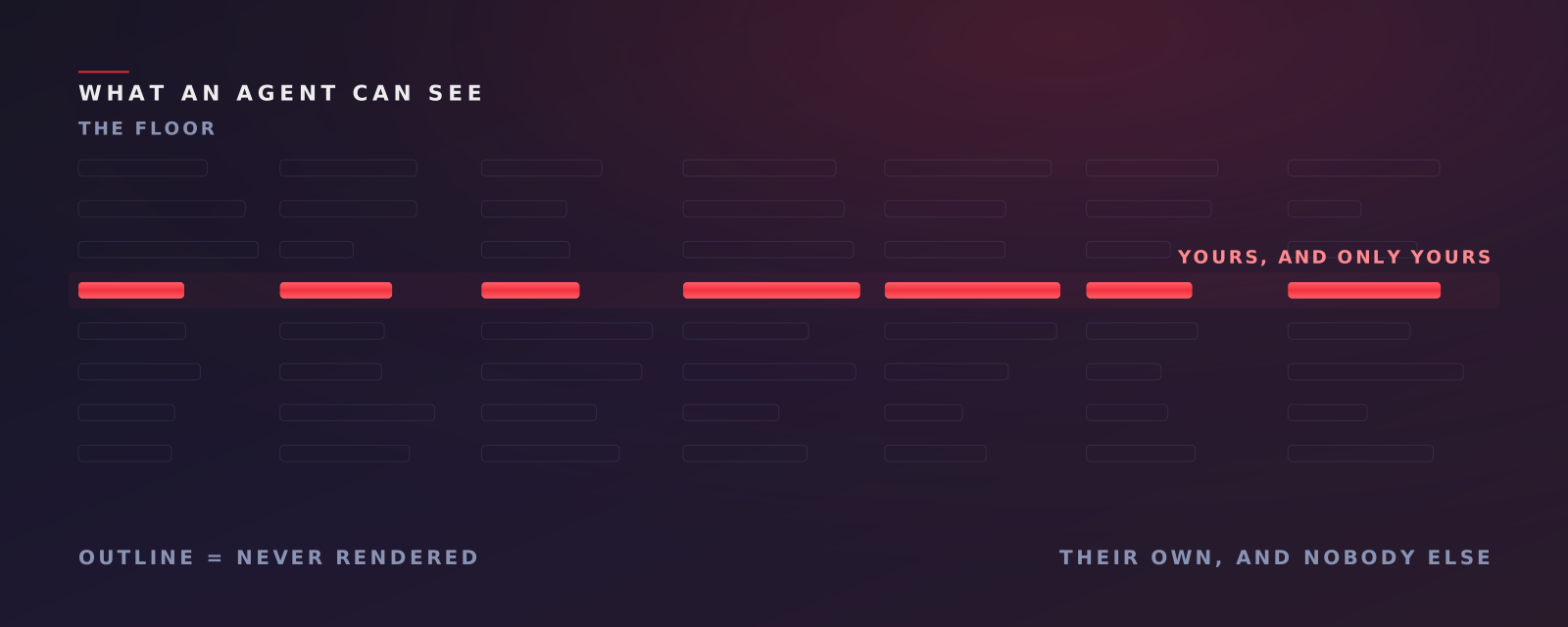
An access level sits above the agent role, specifically so an agent can be given their own data without being given anyone else’s.
| Access level | What the agent gets |
|---|---|
| No access | Bounced to an access-denied page — their calls are still audited |
| Calls only | Their own calls and the analysis of them |
| Performance only | Their own scorecard |
| Full access | Both their calls and their scorecard |
The four states exist because supervisors genuinely disagree about which half to give. Some want an agent to hear their own calls but not see a score that will be discussed in a one-to-one; some want the reverse. Both are legitimate management positions, and the platform should not force one.
Note the first row. No access means the agent cannot see anything — and their calls are still audited. The access level governs visibility, never coverage. An agent’s data does not disappear from the floor’s numbers because they were not granted a login.
Three details that make it real
Agents get a different dashboard, not a filtered one. When the role is agent, the platform renders a distinct view — their own day-wise calls and duration, their sentiment and emotion, and on-track / behind / over-benchmark widgets — rather than the manager’s floor-wide charts with rows removed. A filtered manager view leaks its own structure; the totals tell you what you are not seeing.
Agents never see Analytics, Workspaces, Users, Agents, Account, Notifications or Comments. Comments are excluded for a stated reason: supervisors discuss agents in comments, and agents should not read that discussion.
Permission gating is quiet by design.
Sidebar items, buttons and whole tabs are not rendered when the account lacks the permission — nothing is greyed out.
A greyed-out button tells you a capability exists and that you are not trusted with it. It is also a map of the system for anyone inclined to probe. Navigation visibility is computed per section, so unreachable items never render at all.
The surrounding model
Five roles: vendor staff on a separate console, the customer’s admin, a solo individual account, the supervisor, and the agent — plus an unauthenticated prospect path for a single-file quick trial.
Access to your data on our side is restricted to the analyst team assigned to your account, as described in Where Your Recordings Live.
What we do not claim
We do not claim agents should always get access. That is a management decision with real workplace-relations weight, and it differs between an in-house team and an outsourced floor operating under a client contract. Four levels exist because we do not think there is one right answer.
We do not claim access solves the timing problem by itself. An agent who can log in but does not is no better informed than one who cannot. Access removes the blocker; the weekly cadence and the assigned-work page are what actually shorten the loop — see The Dashboard Nobody Opens.
We do not claim per-subject access is a solved problem in general. It is solved for this surface: an agent’s calls, an agent’s scorecard, and the explicit exclusion of comments. It is the kind of thing that needs re-checking every time a feature is added, and we treat it that way.
Where to start
Ask your current tool a specific question: if I give an agent a login, what exactly can they see about their colleagues?
If the answer requires a call with the vendor’s solutions engineer, that is your answer.
Book a demo and we will show you the agent view side by side with the supervisor view.
Related: A Score Is Not an Instruction on what an agent should receive when they can see it, and Where Your Recordings Live on who can see it from our side.
Curious what is in the 95% you never hear?
Book a demo and we will walk you through the platform — how the reviews work, what the reports contain, and how the evidence trail is built.
Book a Demo